Tablets - Microsoft
Surface Pro 11 specs, price, and buying guide
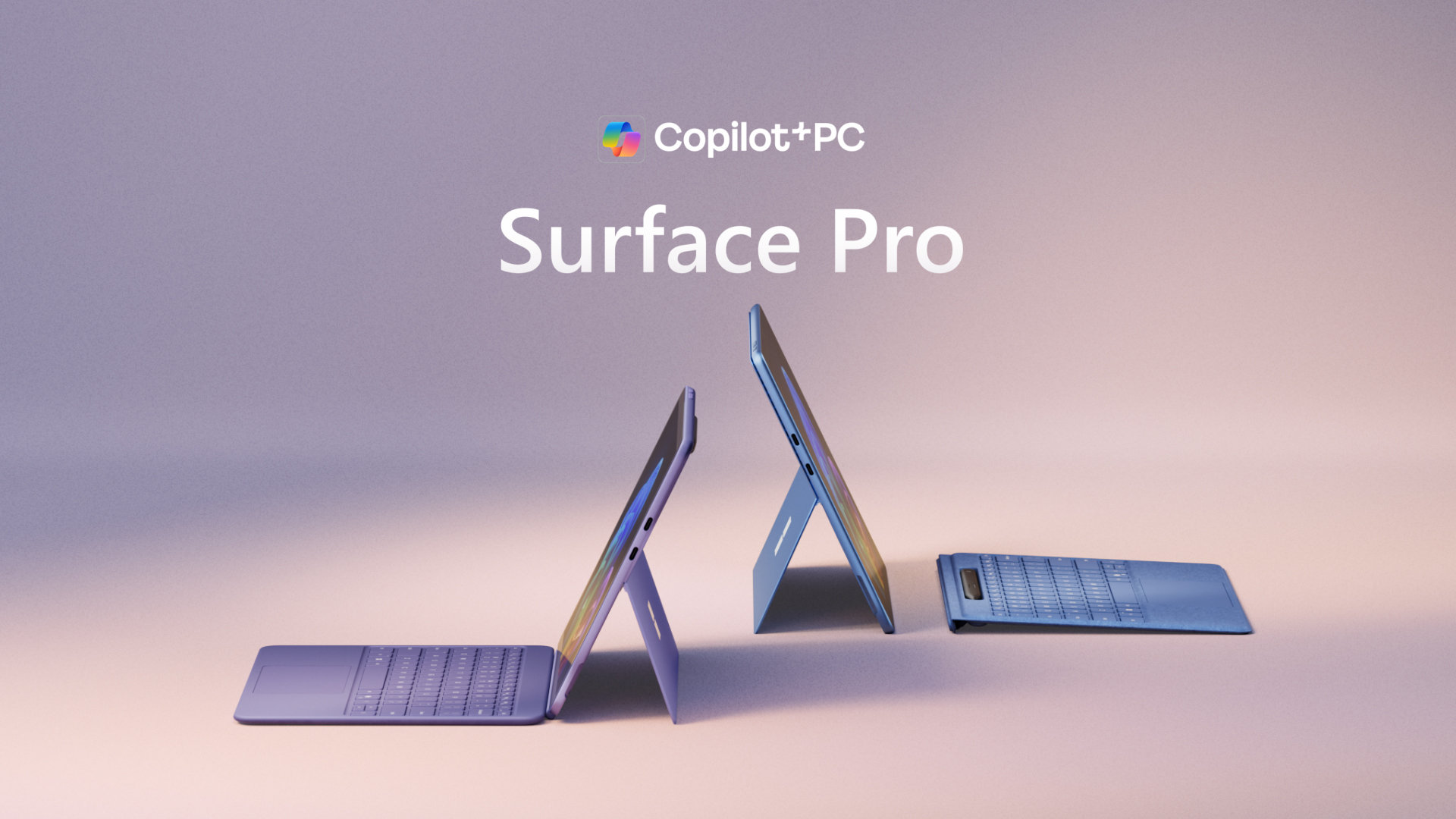
Best for shoppers who want windows, work, student, 2-in-1.
Check Surface Pro 11 on AmazonCheck Best BuyCheck WalmartScore breakdown
How to read the score
The total score is useful for shortlisting, but the individual rows matter more for a real purchase. Use this section to decide whether Surface Pro 11 is strong in the areas you actually care about.
| Dimension | Score | What it means |
|---|---|---|
| display | 88 | This should be good enough for most buyers, but still compare nearby alternatives if it is your top priority. |
| battery | 86 | This should be good enough for most buyers, but still compare nearby alternatives if it is your top priority. |
| performance | 84 | This is acceptable, but it is worth checking alternatives if your use case depends on it. |
| value | 80 | This is acceptable, but it is worth checking alternatives if your use case depends on it. |
Specs
| display | 13-inch PixelSense touchscreen |
|---|---|
| chip | Snapdragon X Plus |
| memory | 16GB |
| storage | 256GB SSD |
| stylus | Surface Slim Pen support |
| keyboard | Surface Pro Keyboard support |
| battery | Up to 14 hours |
| weight | 1.97 lb |
| os | Windows |
Who should shortlist it
Surface Pro 11 is worth shortlisting if you want a tablets with a 85 SpecScout score, $999 reference price, and strengths around display, battery, performance, and value.
Use the rows below to decide whether the strengths line up with how you shop: battery for long days, camera for daily capture, display for reading or media, performance for speed, and storage or memory for keeping the device longer.
- display: 13-inch PixelSense touchscreen
- chip: Snapdragon X Plus
- memory: 16GB
- storage: 256GB SSD
Buying verdict
Choose it if
- You want tablets with strong display 88, battery 86, and performance 84.
- The current merchant price stays close to the $999 reference tier.
- The listed specs match your priority for windows, work, student.
Compare first if
- The weaker areas are value 80, and performance 84.
- You are open to OnePlus Pad 2 or iPad Pro 13 M4 at a different price tier.
- You need a specific color, storage option, delivery window, or return policy.
Practical buyer fit
Buyers who prioritize display 88, and battery 86 and can find it near $999.
Double-check value 80, and performance 84 before choosing it over nearby alternatives.
Mature enough that discounts are more likely; compare it against newer nearby models before paying full price.
Confirm storage, memory, color, seller, warranty, and whether the listing is new, renewed, locked, or carrier-specific.
Price-check checklist
Use the reference price as a filter, not a promise. Before leaving SpecScout, confirm whether the merchant page matches the model, configuration, color, warranty terms, seller, delivery window, and return policy you expect.
- Model match: verify the merchant listing is for Surface Pro 11, not a similar older or renewed variant.
- Configuration: check storage, memory, color, chip, size, or bundle details before checkout.
- Total cost: compare item price, shipping, taxes, discounts, and delivery date.
- Fallback: keep the alternatives page open if price or stock changes after you click out.
Buying note
Surface Pro 11 works well if you want windows, work, student, 2-in-1. Compare the score breakdown, then open the merchant page to confirm the current price and shipping options.
Not sure yet?
Compare nearby tablets before you commit. The alternatives page keeps you in the same category and highlights stronger score, price, or feature tradeoffs.
Compare alternatives