Drawing tablet guide
Best tablets for drawing
Compare drawing tablets by display, stylus support, performance, storage, and buying fit before checkout.
How to choose
This guide is for buyers who want a tablet for drawing, notes, markup, creative apps, and portable work. Start with iPad Pro 13 M4 only if the current merchant price stays close to the reference tier and the listing matches the expected configuration.
- Main checks: compare display, stylus, performance, and storage before opening a merchant page.
- Price discipline: treat the listed price as a reference point. If the live listing is much higher, compare alternatives before checkout.
- Configuration match: verify storage, color, condition, seller, carrier status, warranty, delivery date, and return policy.
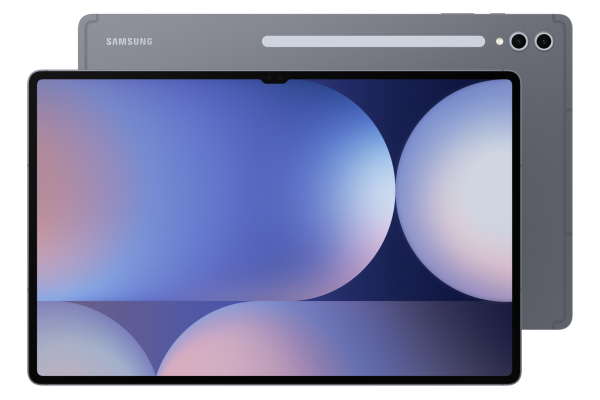
- Fallback: compare Galaxy Tab S10 Ultra if the first pick is out of stock, renewed, locked, or overpriced.
Shortlist decision matrix
Use this table to decide which model deserves a merchant click. The goal is to match the product to the buying problem before checking live price.
| Model | Reference price | Total score | display | stylus | performance | storage | Best next step |
|---|---|---|---|---|---|---|---|
| iPad Pro 13 M4 | $1,299 | 89 | 98 score | Apple Pencil Pro support | 98 score | 256GB | Check merchants |
| Galaxy Tab S10 Ultra | $1,199 | 88 | 96 score | S Pen included | 90 score | 256GB | Check merchants |
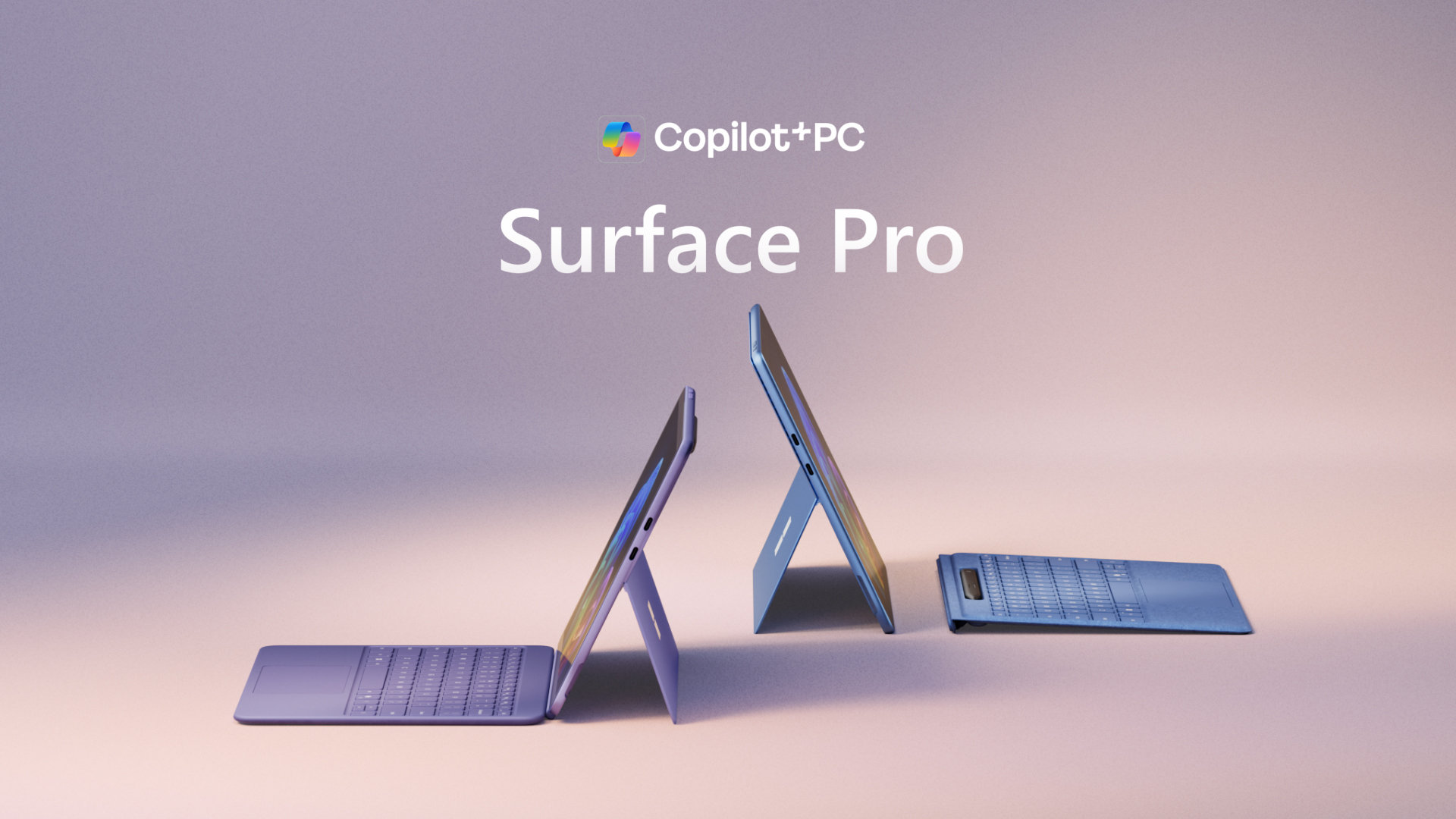
| Surface Pro 11 | $999 | 85 | 88 score | Surface Slim Pen support | 84 score | 256GB SSD | Check merchants |
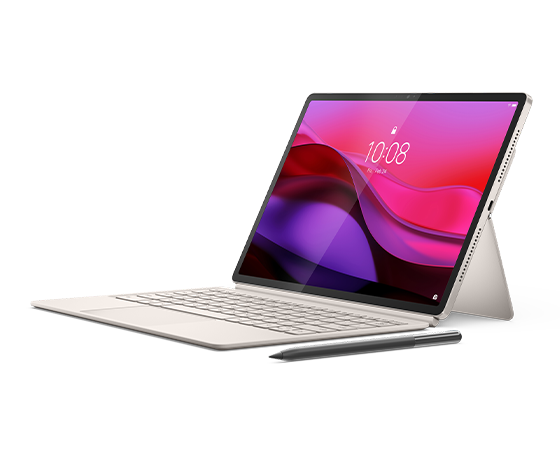
| Yoga Tab Plus | $699 | 89 | 90 score | Lenovo Tab Pen Pro support | 92 score | 256GB | Check merchants |
| OnePlus Pad 2 | $549 | 90 | 87 score | OnePlus Stylo support | 92 score | 256GB | Check merchants |
| iPad Air 11 M3 | $599 | 88 | 88 score | Apple Pencil Pro support | 91 score | 128GB | Check merchants |
Top picks
These products are sorted for buyers who want a tablet for drawing, notes, markup, creative apps, and portable work. Use the cards for first-pass comparison, then open the product page or merchant check only when the fit is clear.



What matters most here
Display quality affects how often the product feels pleasant to use. This listing shows 13-inch Ultra Retina XDR OLED. Compare size, panel type, refresh rate, and readability for buyers who want a tablet for drawing, notes, markup, creative apps, and portable work.
Stylus support matters for drawing, notes, markup, and creative work. This listing shows Apple Pencil Pro support. Confirm whether the stylus is included or sold separately.
Performance matters when apps, multitasking, games, editing, or long-term smoothness are part of buyers who want a tablet for drawing, notes, markup, creative apps, and portable work. If this is already strong, avoid overpaying for a faster model you will not notice.
Storage matters when photos, video, offline media, games, or work files build up over time. This listing shows 256GB. Choose more storage if you keep devices for years or shoot a lot of video; the base tier is usually fine for light cloud-first use.
Compare these options side by side
Decision pages for this guide
Quick answers
What is the best pick in this guide?
iPad Pro 13 M4 is the first listed pick because it matches buyers who want a tablet for drawing, notes, markup, creative apps, and portable work with a 89 score and $1,299 reference price.
What should I compare before buying?
Compare display, stylus, performance, and storage, then confirm model, storage, condition, seller, warranty, delivery date, and final checkout price on the merchant page.
What is the closest alternative?
Galaxy Tab S10 Ultra is the closest alternative in this shortlist with a 88 score and $1,199 reference price.